You name the topic
Anything: a war you never quite understood, an idea you only half know, a field you've always avoided. No catalogue to choose from, no perfect wording needed.
One word is enough. So is a full sentence.
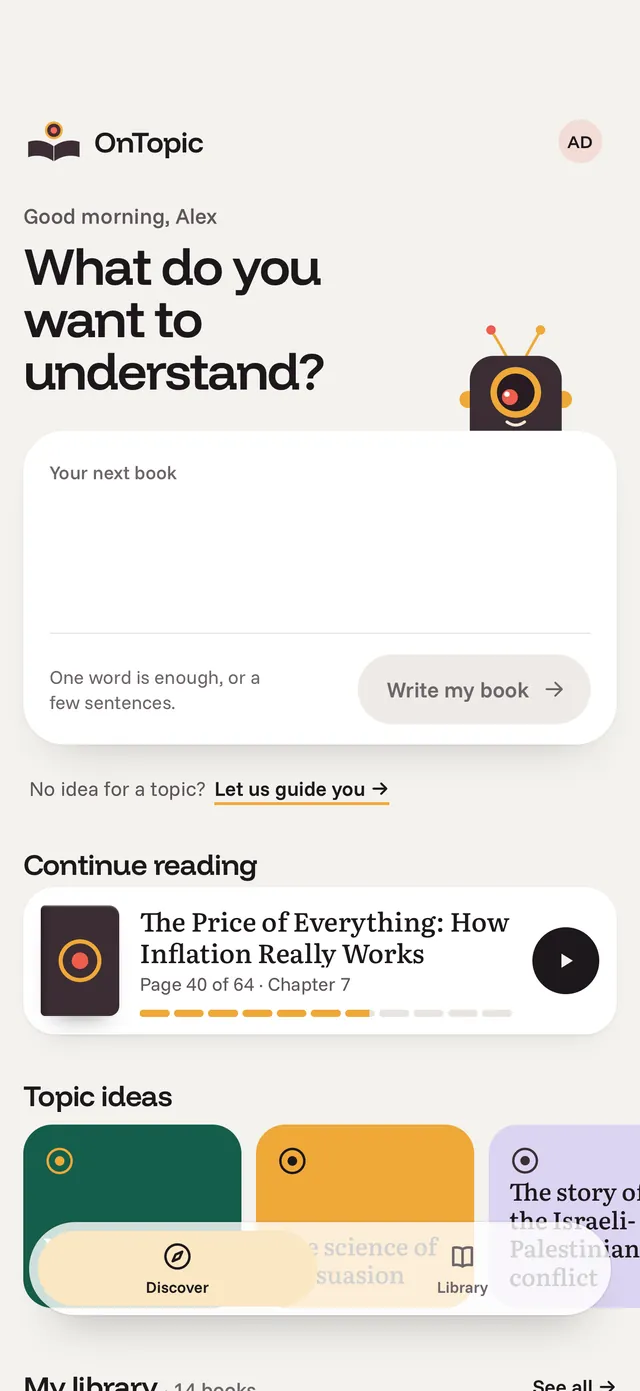
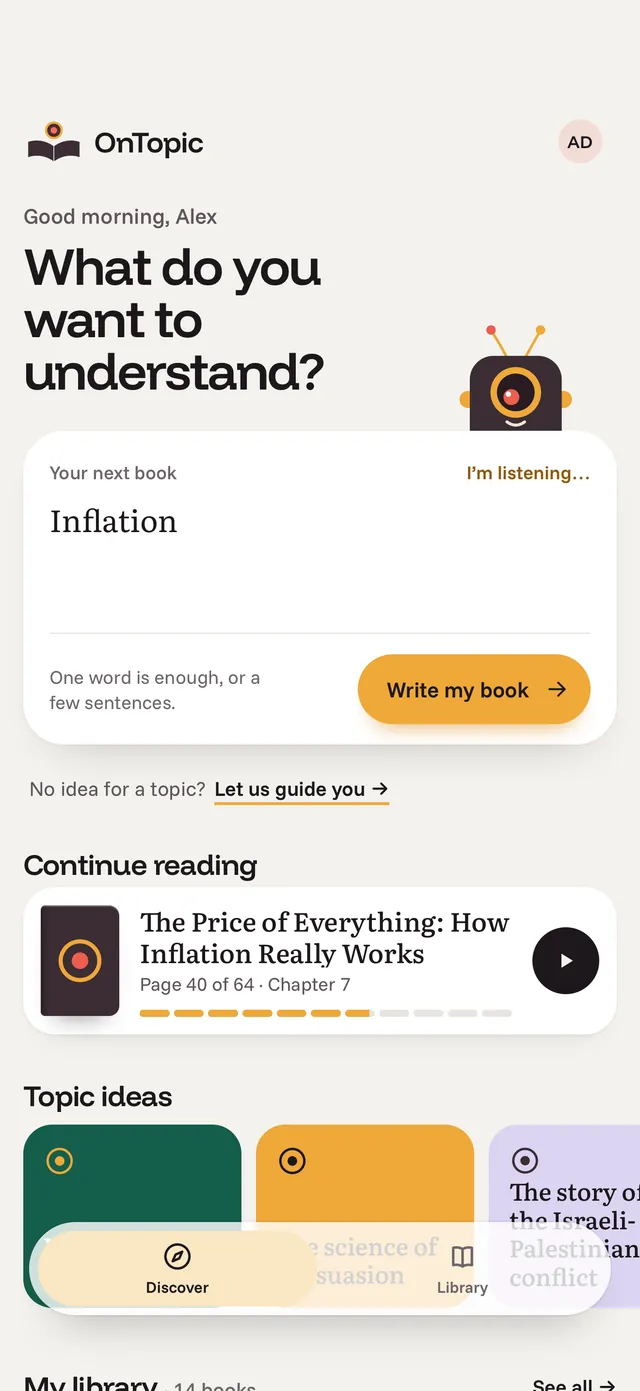
Nothing here is a demo. See the real process, step by step, and what you control along the way.
Anything: a war you never quite understood, an idea you only half know, a field you've always avoided. No catalogue to choose from, no perfect wording needed.
One word is enough. So is a full sentence.
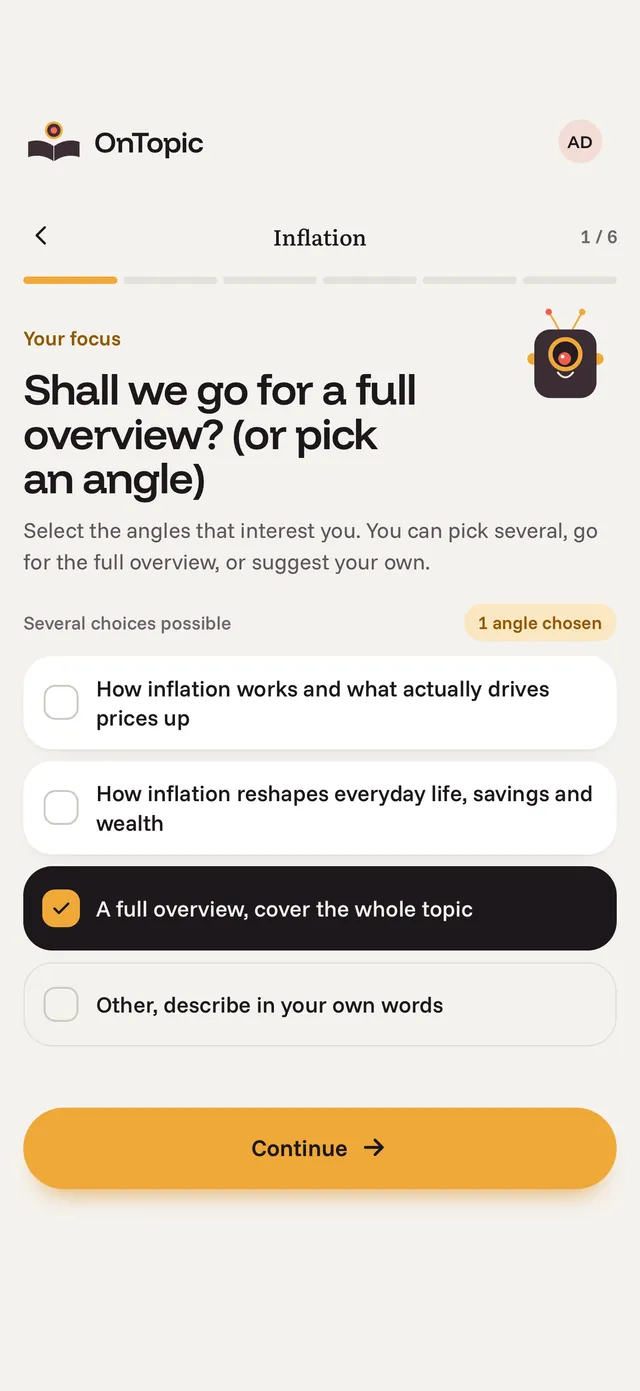
First, choose your angle. Pick one of our suggestions or describe your own. Then set your starting level, how much detail you want, the tone, length, and language.
This is where a book on any topic becomes your book.
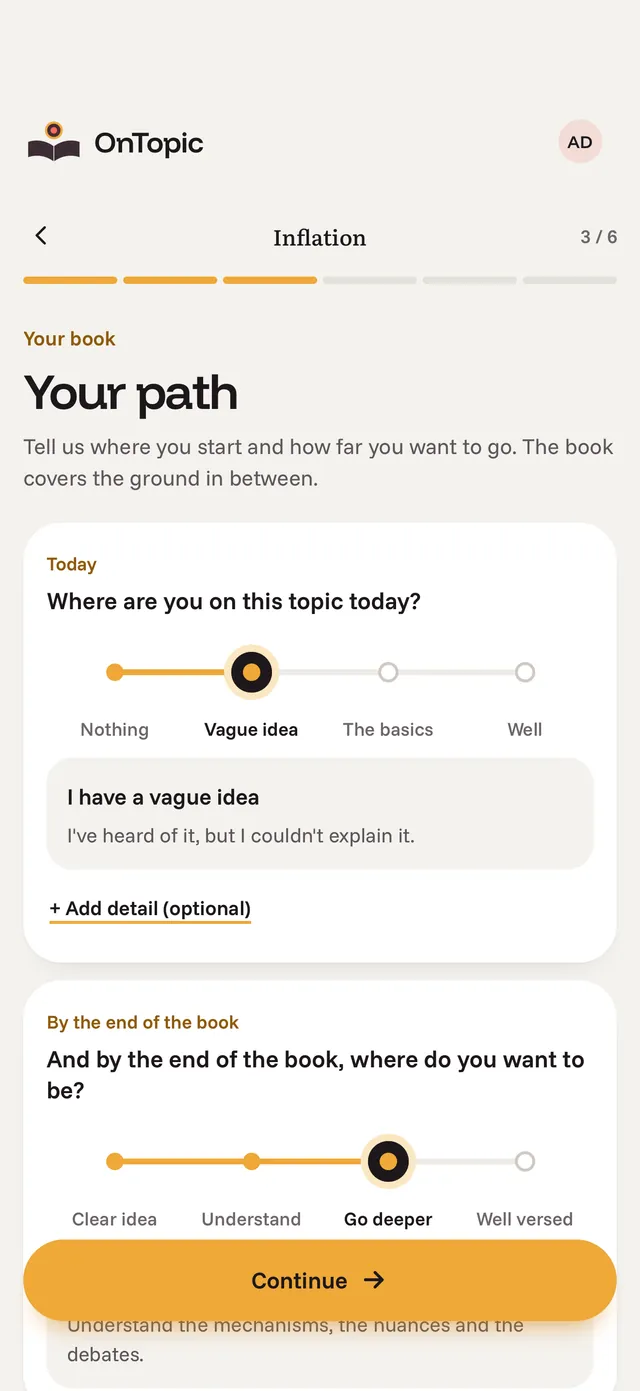
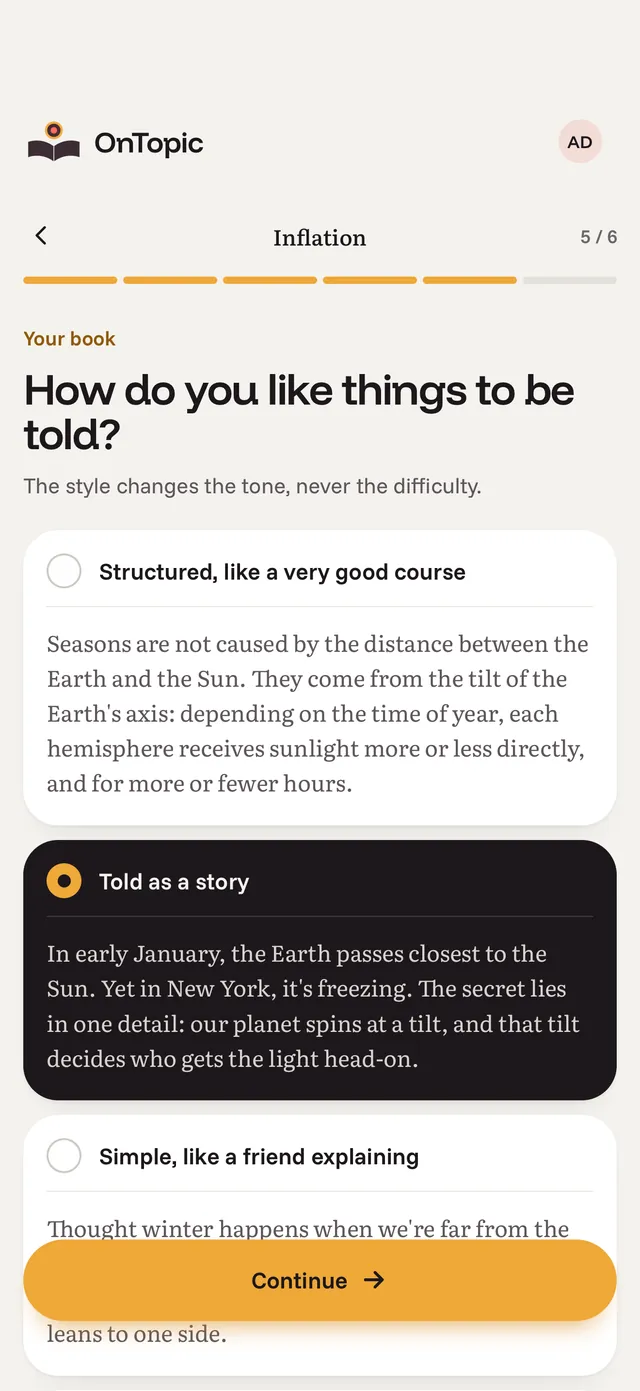
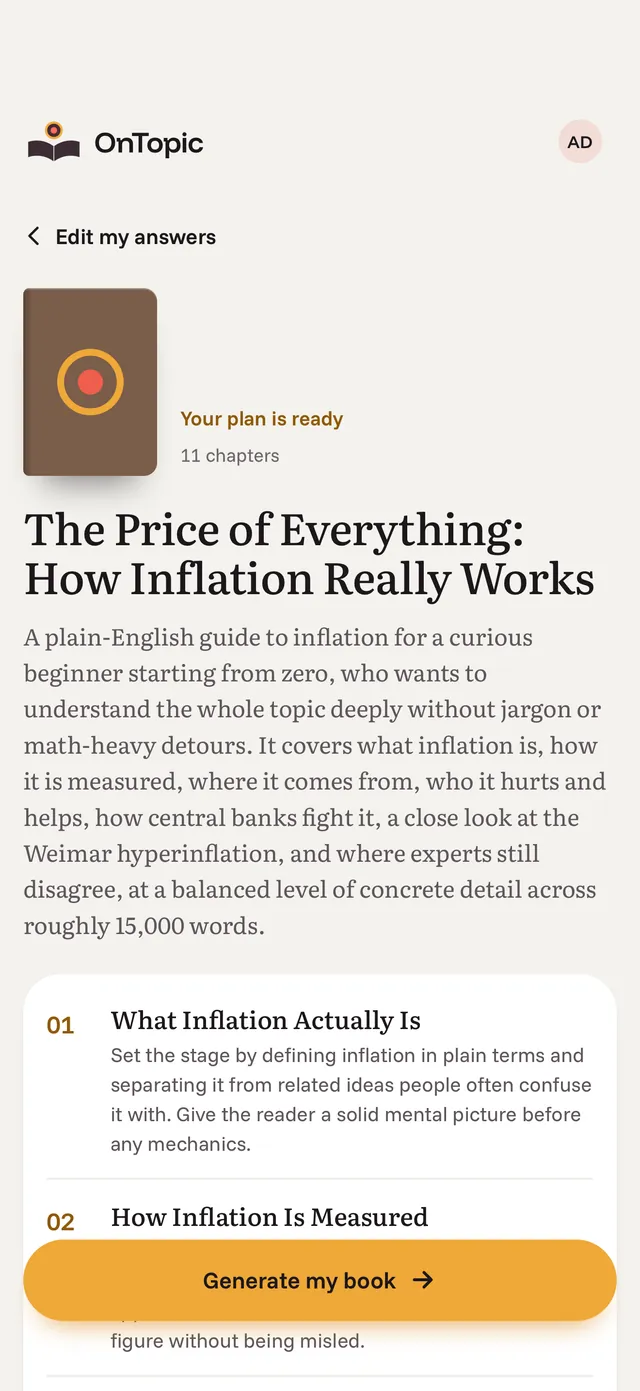
A full outline shows every chapter, what it covers, and how the chapters build on one another. Read it through, then revise it until it matches the book you had in mind.
The plan is free, and you do not need an account to see it.
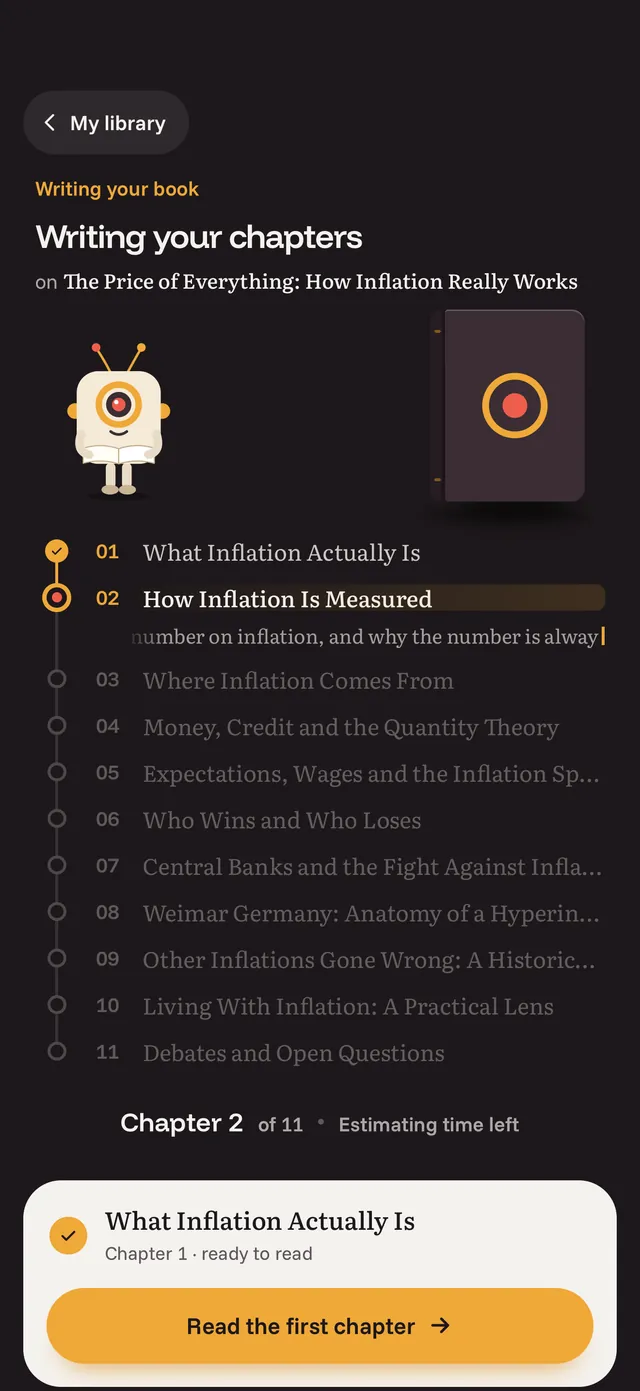
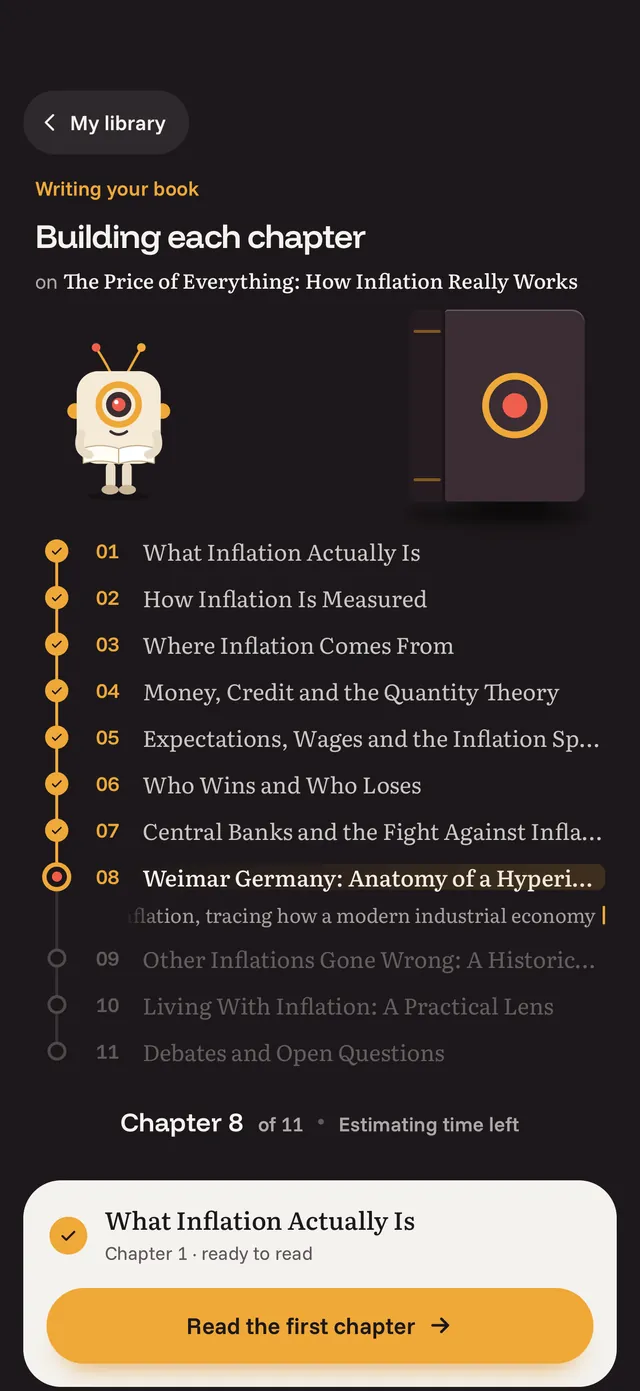
In just a few minutes, your book is ready, with a beginning, a middle, and an end to help you understand the topic you chose.
30, 50, or 80 pages, just as you chose. Your personalized book is ready whenever you are.
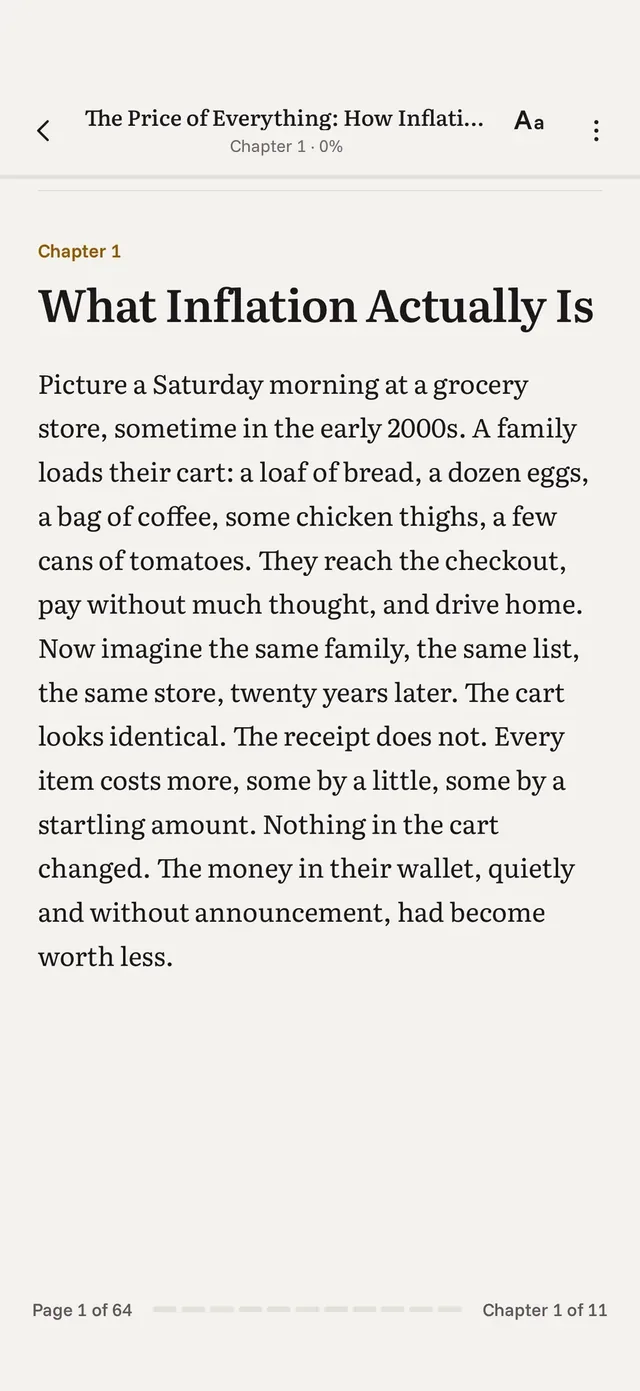
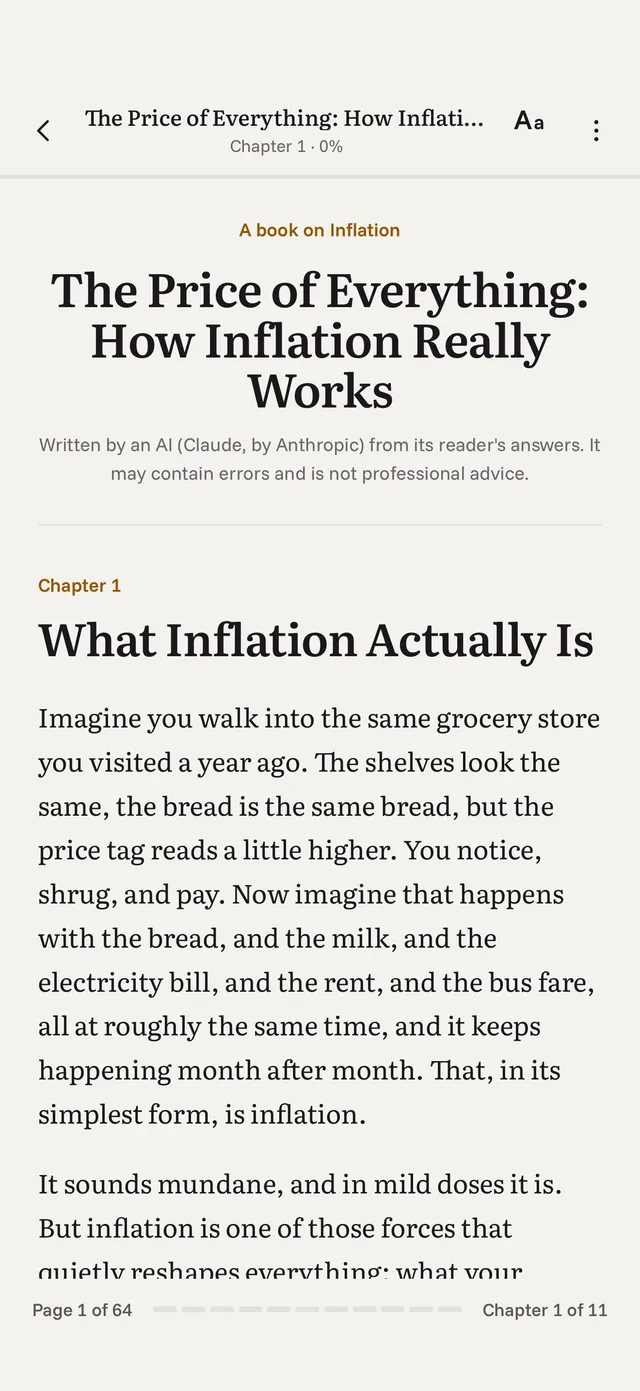
These are the opening pages of two books on inflation. The only difference is the tone chosen during setup.
Every OnTopic book follows the same structure, whatever the topic.
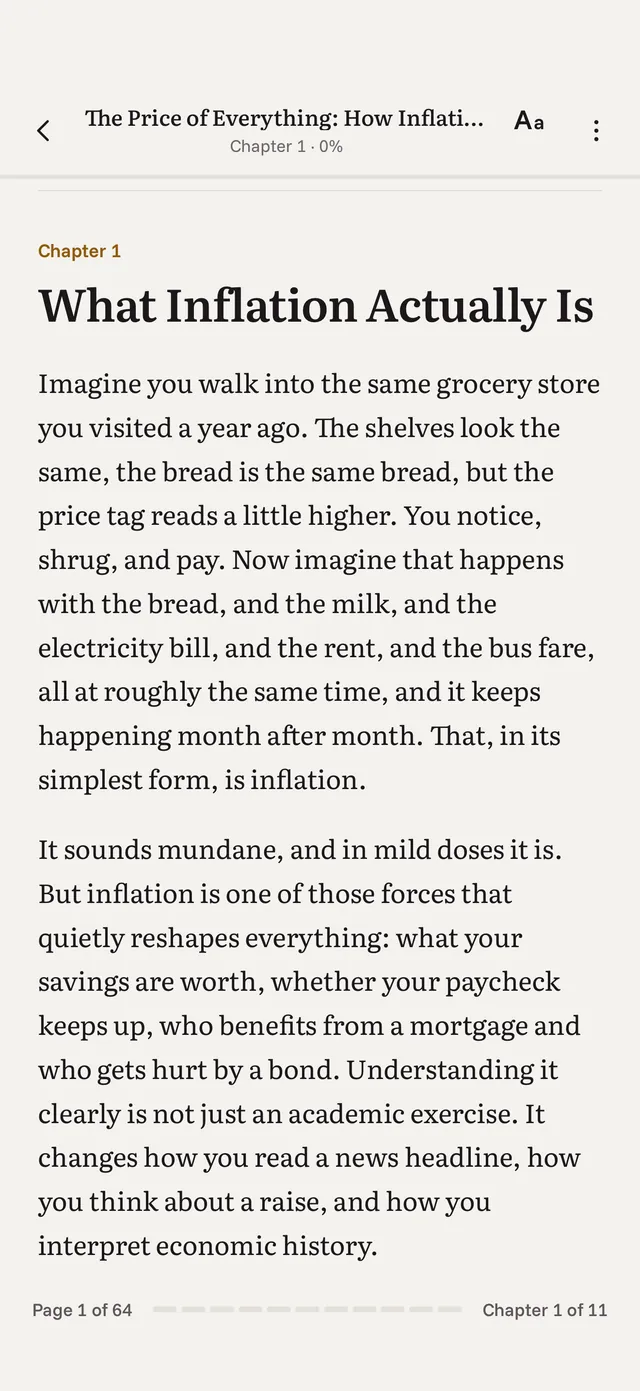
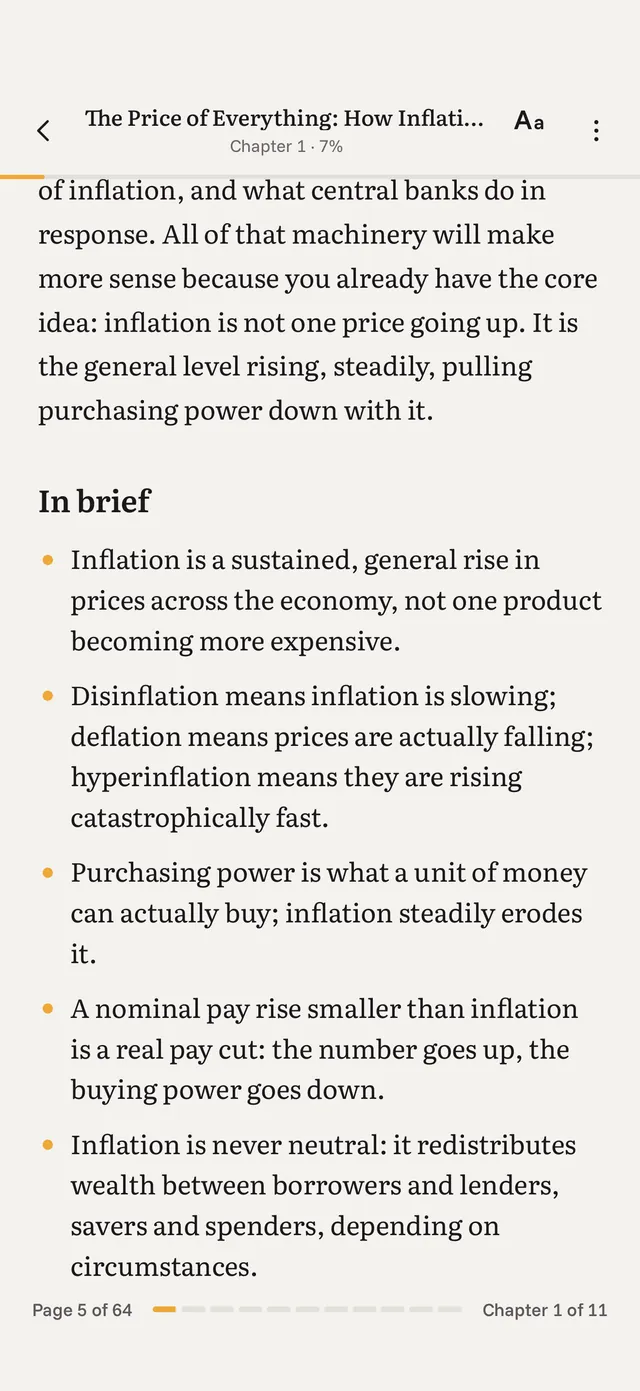
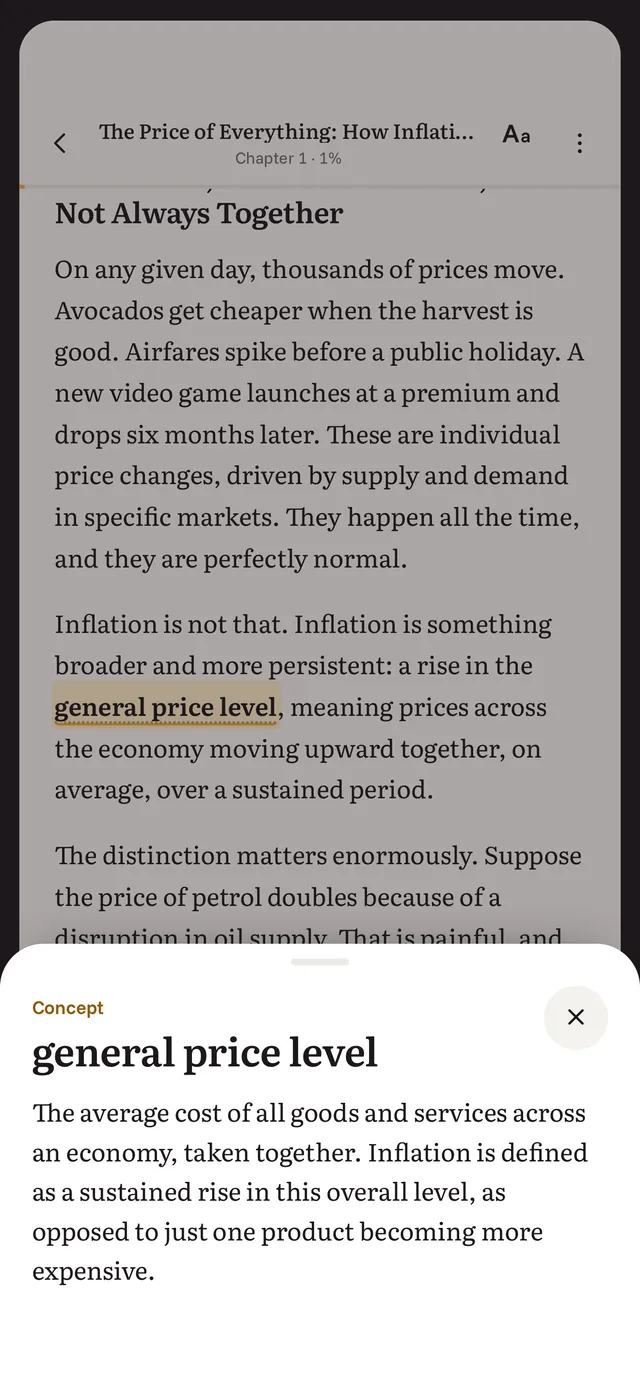
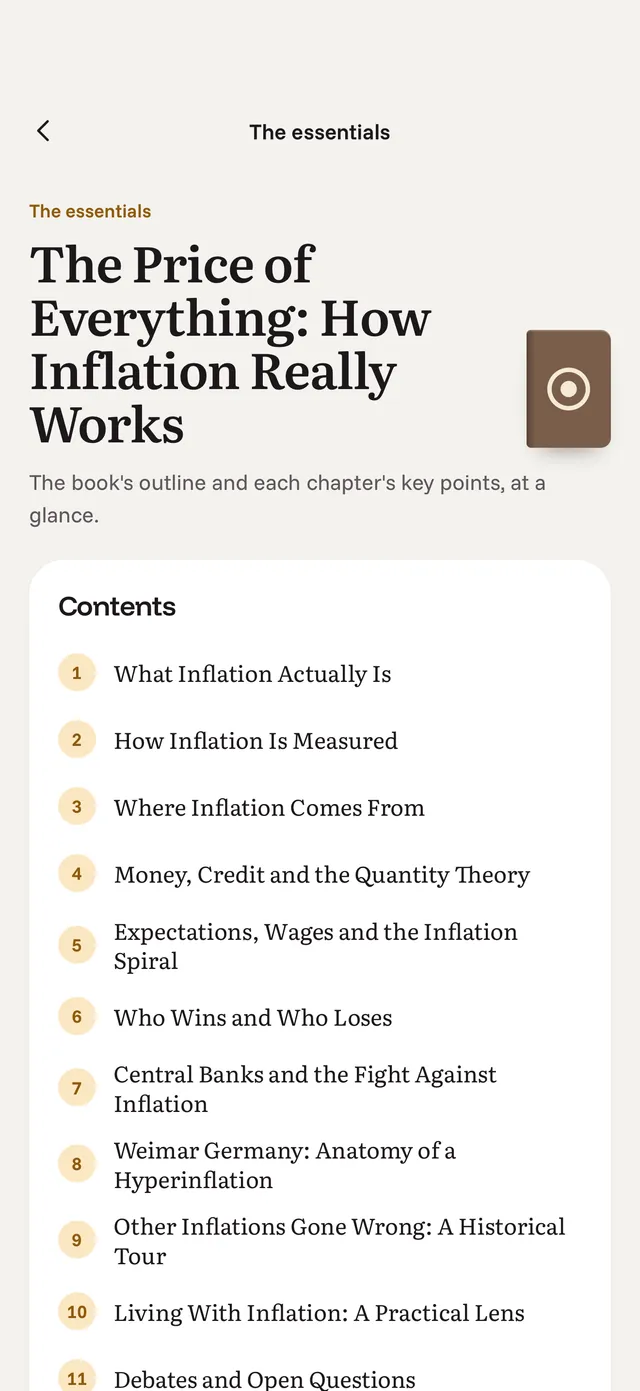
Your topic becomes a book with its own spine and a place on the shelf, in a library that holds every book you've created.
Each chapter builds on what came before, so your understanding grows instead of starting from scratch.
A few lines to reinforce what you've just learned before you move on to the next chapter.
The key terms you need to understand the topic, defined where they first appear and collected in one place for the whole book.
The essential ideas, brought together at the end to help you remember what matters.
Send your finished book to your Kindle or Kobo in one tap. It arrives as a complete ebook, with a cover, a table of contents, and chapters you can easily navigate. Or read in the app, which saves your place so you can pick up where you left off.
Kindle: enter your Kindle email address once, then send your books in one tap.
Kobo: connect Dropbox once, and your books go straight to your reader.
In the app: pick up where you left off on any device you're signed in to.
The plan is free. In a minute, you'll see whether it matches the book you had in mind.